TechTried-and-true tip
Screen snip on Windows with Win+Shift+S
Capture part of your screen on Windows quickly with the Win+Shift+S shortcut.
- Time
- ⏱ 1 min
- Difficulty
- ◆ easy
How to do it
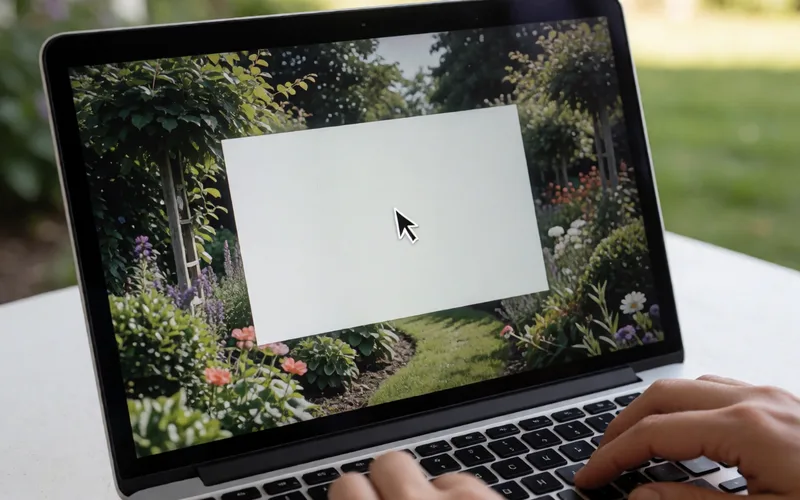
- Press Win+Shift+S. The screen dims and the toolbar appears at the top.
- Hold the left mouse button and mark a rectangular area.
- Release the button. The snip is on the clipboard and can be pasted into other programs.
Variations
- To save the snip as a file, use the Snipping Tool.
Sources
This is where we found the tip. The badge above shows how well it is backed up.
- pcwelt.de (opens in a new tab)
Sie starten es mit der Tastenkombination Win-Shift-S.