TechTried-and-true tip
Limit charging to 80 percent with Samsung battery protection
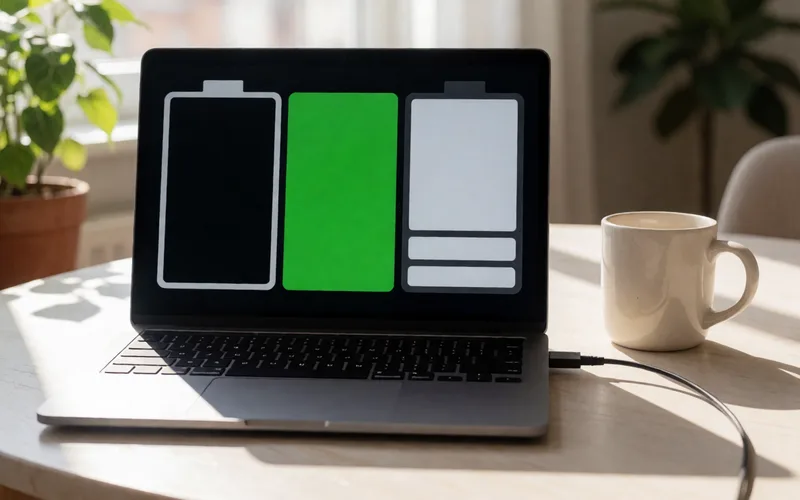
Limit charging on your Samsung Galaxy phone to 80 percent with Battery Protection.
- Time
- ⏱ 2 min
- Difficulty
- ◆ easy
How to do it
- Open Settings > Battery. The menu path differs depending on your One UI version.
- Turn on “Battery Protection” and choose the “Maximum” mode.
Why it works
Batteries age faster at higher voltage, and the cell voltage rises with the charge level.
Variations
- The “Standard” and “Adaptive” modes charge to full, but manage it more gently.
Sources
This is where we found the tip. The badge above shows how well it is backed up.
- netzwelt.de (opens in a new tab)
Ist der Akku-Schutz aktiviert, wird das Galaxy-Gerät wahlweise nur bis maximal 80 Prozent aufgeladen.
Bei "Maximal" wird der Akku nur zu 80 Prozent aufgeladen.