TechTried-and-true tip
Turn on clipboard history in Windows 11
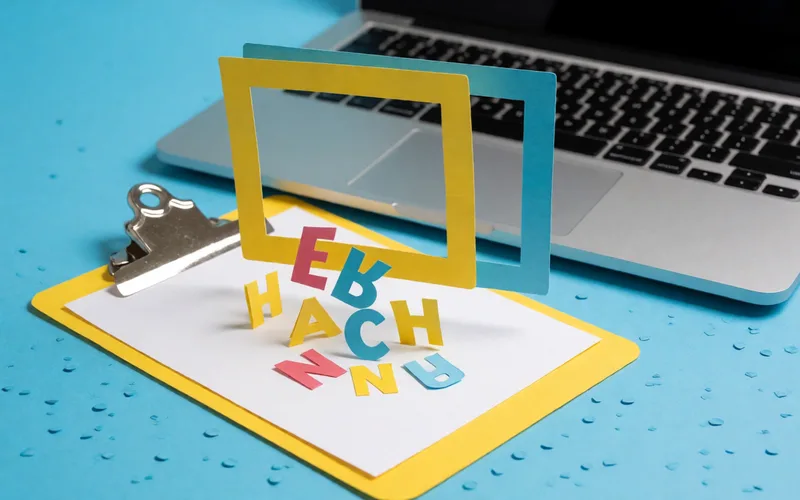
Turn on clipboard history in Windows 11 to paste several previously copied items.
- Time
- ⏱ 2 min
- Difficulty
- ◆ easy
How to do it
- Open Settings > System > Clipboard and turn on clipboard history.
- Open saved items through the history window with Win+V.
Variations
- On work or school PCs, the feature may be blocked by policy.
Sources
This is where we found the tip. The badge above shows how well it is backed up.
- giga.de (opens in a new tab)
Diese Funktion muss aber erst aktiviert werden.