TechTried-and-true tip
Save the recovery code when setting up two-factor login
Save the recovery code when you set up two-factor login so you can't get locked out of your account.
- Time
- ⏱ 5 min
- Difficulty
- ◆ easy
What you need
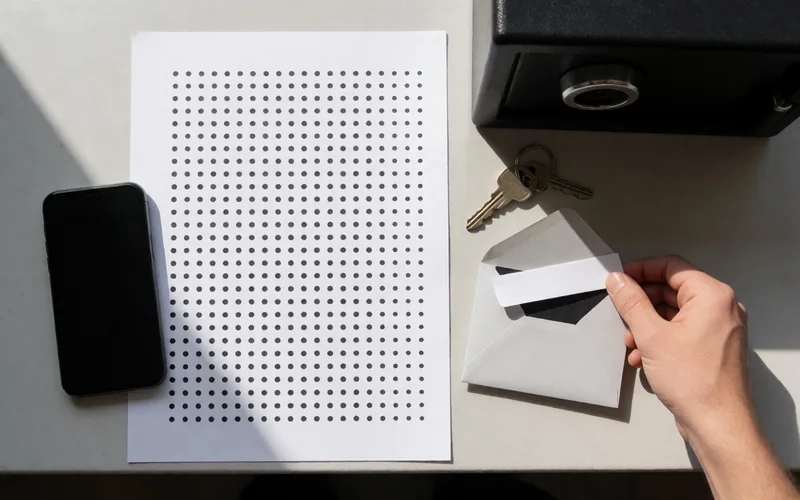
- Printer or a safe place to store it
How to do it
- During setup, save the recovery code shown by downloading it, printing it or pasting it into your personal files.
- Keep the code in a safe place.
- Make more than one copy.
Variations
- If you lose a smartphone with an authenticator app, the code is the only way back in.
Sources
This is where we found the tip. The badge above shows how well it is backed up.
- teamviewer.com (opens in a new tab)
Speichern Sie den Wiederherstellungscode durch Herunterladen, Ausdrucken oder Kopieren/Einfügen in Ihre persönlichen Dateien“; „bewahren Sie ihn an einem sicheren Ort auf.