TechWidely recommended
Minimise windows in Windows 11 by shaking a title bar
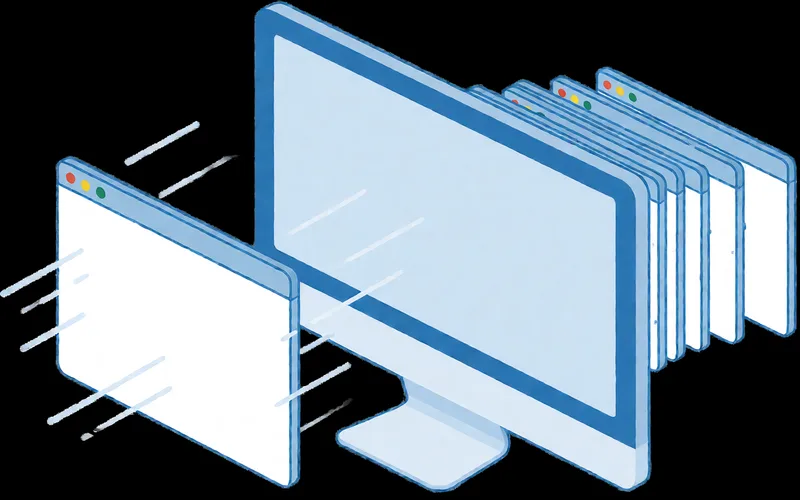
Shake a window's title bar in Windows 11 to minimise all other open windows at once.
- Time
- ⏱ 2 min
- Difficulty
- ◆ easy
How to do it
- Open Settings > System > Multitasking.
- Turn on the title bar shake option (called “Fenstertitelleiste schütteln” in German).
- Grab a window by its title bar and shake it briefly back and forth.
- Shake again to restore the previous arrangement.
Sources
This is where we found the tip. The badge above shows how well it is backed up.
- techbone.de (opens in a new tab)
Hältst du die Titelleiste eines Fensters mit der Maus fest und schüttelst es kurz, minimiert das System automatisch alle anderen geöffneten Fenster.
- computerwoche.de (opens in a new tab)
Nach ein paar kurzen Schüttelbewegungen werden alle übrigen Fenster verkleinert.