TechTried-and-true tip
Share guest Wi-Fi with a QR code instead of dictating the password
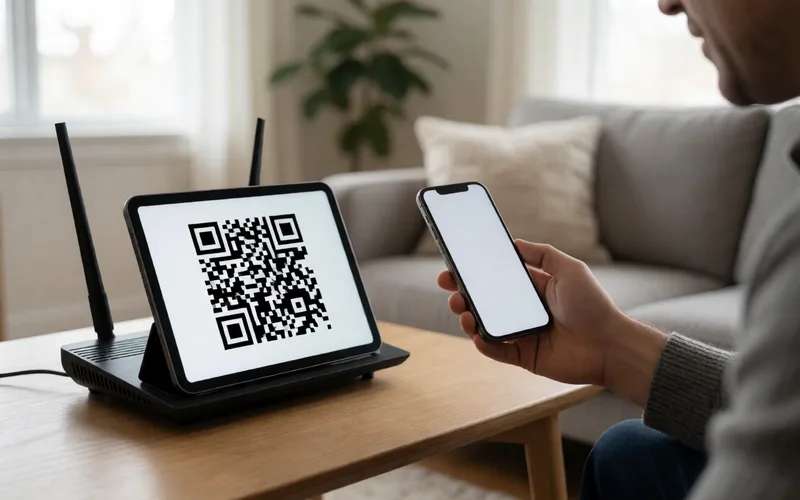
Share your guest Wi-Fi with a QR code from your Fritz!Box instead of reading the password out loud.
- Time
- ⏱ 2 min
- Difficulty
- ◆ easy
What you need
- Fritz!Box with guest access turned on
How to do it
- Turn on guest access in the Fritz!Box.
- In the “WLAN” menu, click “Gastzugang” (guest access), then “QR-Code anzeigen” (show QR code).
- Let your guests scan the QR code from the screen.
Variations
- If the password changes, the code changes too.
Sources
This is where we found the tip. The badge above shows how well it is backed up.
- fritz.com (opens in a new tab)
klicke im Menü "WLAN" auf "Gastzugang" und anschließend auf den Button "QR-Code anzeigen