TechBacked by experts
Recognise and copy text in the iPhone camera view (Live Text)
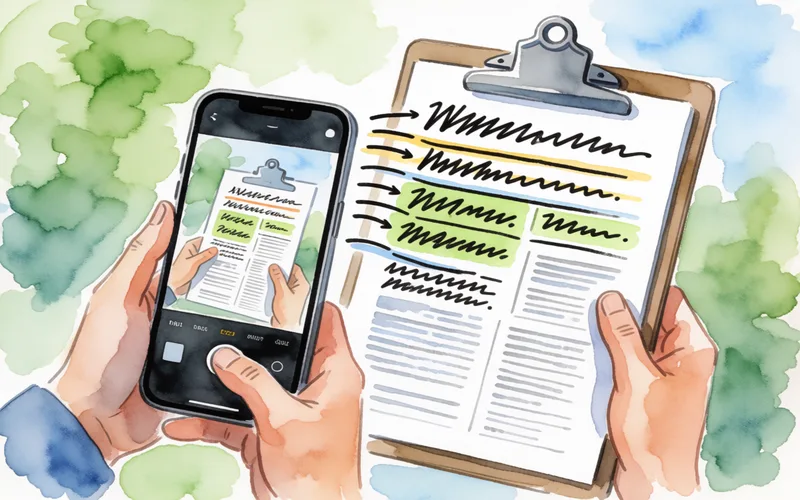
Recognise text in the iPhone camera view with Live Text and copy it instead of typing it out.
- Time
- ⏱ 1 min
- Difficulty
- ◆ easy

How to do it
- Open the Camera app and point the iPhone at the text.
- Tap the Live Text button once the text is highlighted.
- Select the text and copy it.
Variations
- Live Text also works when you use the camera inside apps such as Notes or Reminders.
Sources
This is where we found the tip. The badge above shows how well it is backed up.
- support.apple.com (opens in a new tab)
You can also use Live Text in the Camera app or when using Camera in apps like Notes or Reminders — point your camera at a photo or image with text, then tap the Live Text button