TechBacked by experts
Set the Samsung screen timeout to 15 seconds
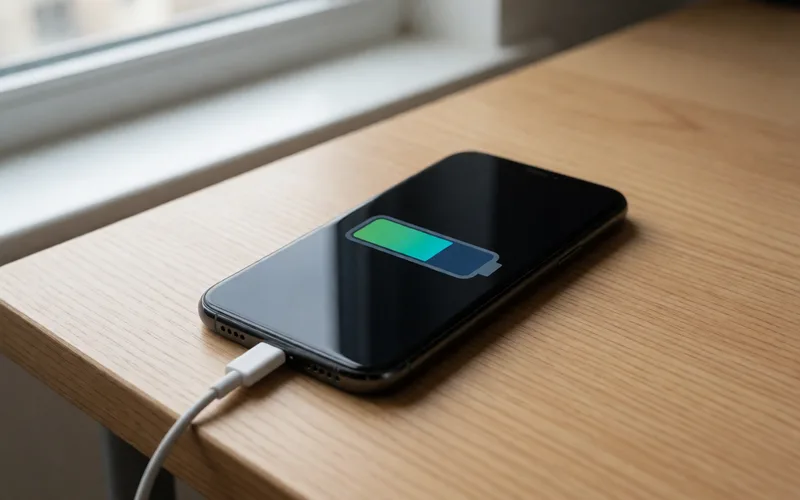
Set the screen timeout on a Samsung phone to 15 seconds to save battery.
- Time
- ⏱ 1 min
- Difficulty
- ◆ easy
How to do it
- Open Settings and choose the display settings.
- Open Screen timeout.
- Select 15 seconds.
Variations
- Lowering the screen brightness helps too.
Sources
This is where we found the tip. The badge above shows how well it is backed up.
- samsung.com (opens in a new tab)
Wähle 15 Sekunden, um den Akku möglichst lange zu schonen.