TechTried-and-true tip
Hot corners on the Mac for quick actions
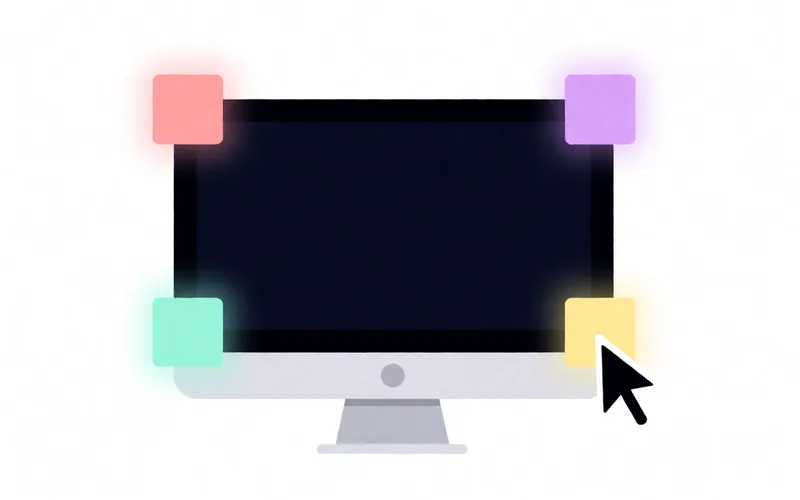
Use hot corners on the Mac to trigger functions by moving the pointer into a screen corner.
- Time
- ⏱ 2 min
- Difficulty
- ◆ easy
How to do it
- Open System Settings and look for “Hot Corners”.
- Choose an action for the corner you want.
- To turn it off, set the corner back to empty.
Variations
- A corner can be safeguarded with modifier keys.
Sources
This is where we found the tip. The badge above shows how well it is backed up.
- heise.de (opens in a new tab)
Mit den sogenannten aktiven Ecken können Sie in macOS schnell bestimmte Funktionen wie den Bildschirmschoner oder die Programmübersicht aktivieren.