TechWidely recommended
Restrict background activity of apps
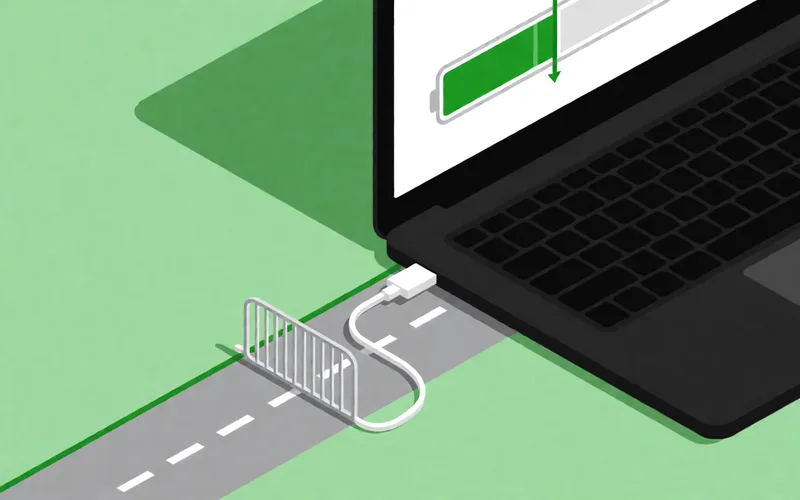
Restrict how much apps can do in the background via the battery settings to save battery.
- Time
- ⏱ 3 min
- Difficulty
- ◆ easy

How to do it
- Open Settings > Battery. On Samsung the item is called “Battery and device care”.
- Tap “Background usage limits”.
- Select the apps whose background activity you want to limit.
Variations
- You can also stop apps from accessing the internet while they are closed.
Sources
This is where we found the tip. The badge above shows how well it is backed up.
- heise.de (opens in a new tab)
indem Sie die im Hintergrund laufenden Apps beschränken
- samsung.com (opens in a new tab)
Tippe auf Grenzen der Hintergrundnutzung