 TechTried-and-true tip
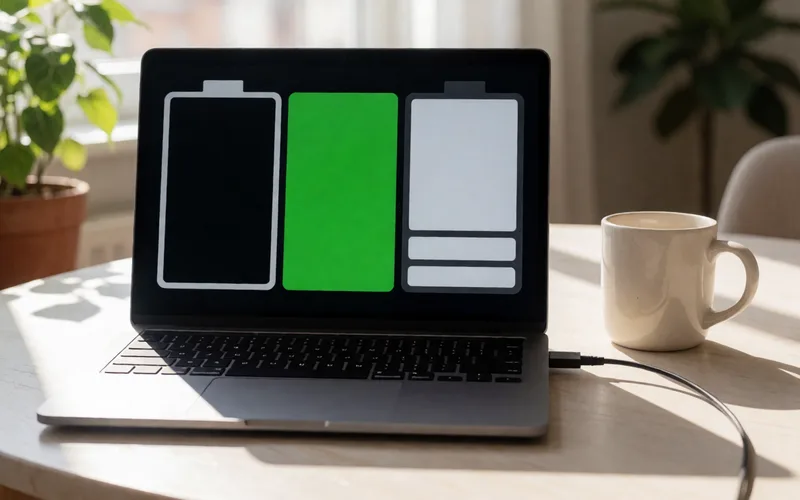
Lenovo ThinkPad: set a battery charge threshold
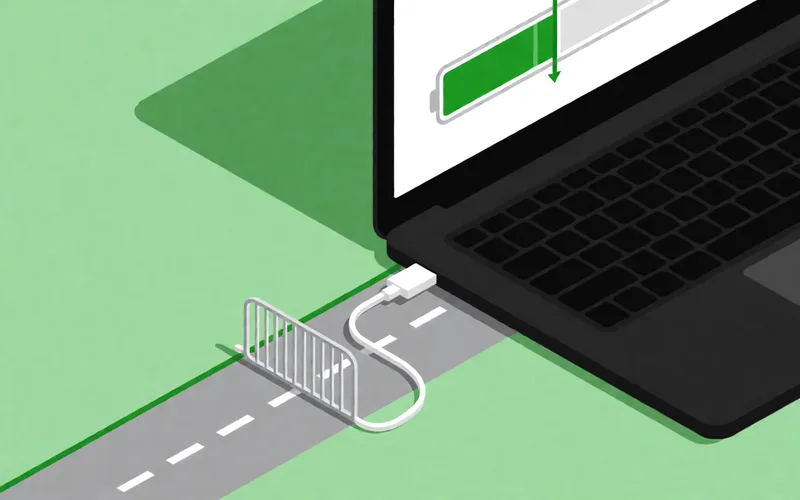
Limit the battery charge of your Lenovo ThinkPad in Lenovo Vantage when it stays plugged in all the time.
- Time
- ⏱ 3 min
- Difficulty
- ◆ medium
How to do it
- Open Lenovo Vantage, choose the menu at the top right and click “Power”.
- Switch on “Battery charge threshold”.
- Unplug the laptop and wait until the battery is fully drained or its charge falls below the threshold, so the function takes full effect.
Variations
- On Linux or older models, the limit is said to work only partly.
Sources
This is where we found the tip. The badge above shows how well it is backed up.
- pctipp.ch (opens in a new tab)
Aktivieren Sie hier den Schalter hinter Schwellenwert für Akkuladung