TechTried-and-true tip
Set a charge limit between 80 and 100 percent on the Mac
Set a charge limit between 80 and 100 percent on your Mac to go easier on the battery.
- Time
- ⏱ 2 min
- Difficulty
- ◆ easy
How to do it
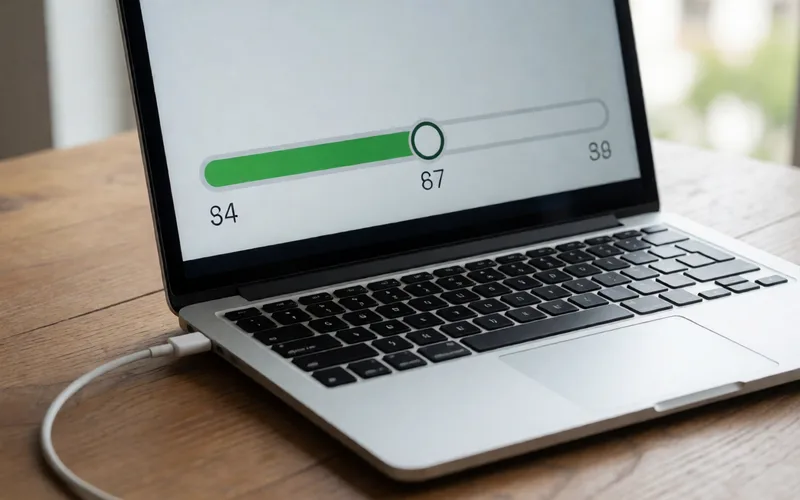
- Open System Settings > Battery.
- Set the charge limit slider to a value between 80 and 100 percent.
- If you need a full charge for a while, use the full-charge option in the battery status menu.
Variations
- Without a fixed limit, macOS offers “optimized charging”, which is meant to stop the battery from sitting at full capacity for too long.
Sources
This is where we found the tip. The badge above shows how well it is backed up.
- ifun.de (opens in a new tab)
Dort lässt sich über einen Schieberegler eine Obergrenze zwischen 80 und 100 Prozent definieren.