TechTried-and-true tip
iPhone: turn on Optimized Battery Charging
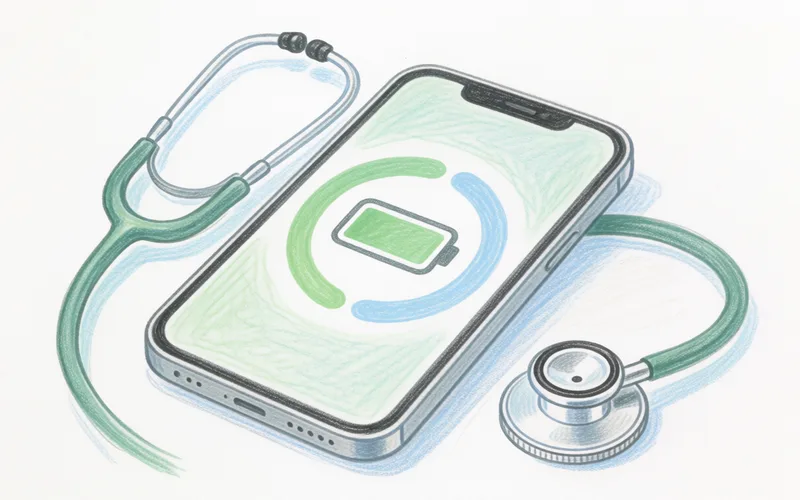
Turn on Optimized Battery Charging on your iPhone so the battery doesn't sit at full for too long.
- Time
- ⏱ 1 min
- Difficulty
- ◆ easy
How to do it
- Open Settings > Battery > Battery Health & Charging.
- Turn on “Optimized Battery Charging”.
- If the feature doesn't seem to work, keep Location Services switched on.
Variations
- A notification on the lock screen lets you charge to full earlier.
Sources
This is where we found the tip. The badge above shows how well it is backed up.
- iphone-ticker.de (opens in a new tab)
Im Bereich „Einstellungen“ > „Batterie“ > „Batteriezustand“ bietet Apple unter iOS 13 den Schalter „Optimiertes Laden der Batterie“ an.