TechTried-and-true tip
Android guest profile for briefly lending the phone
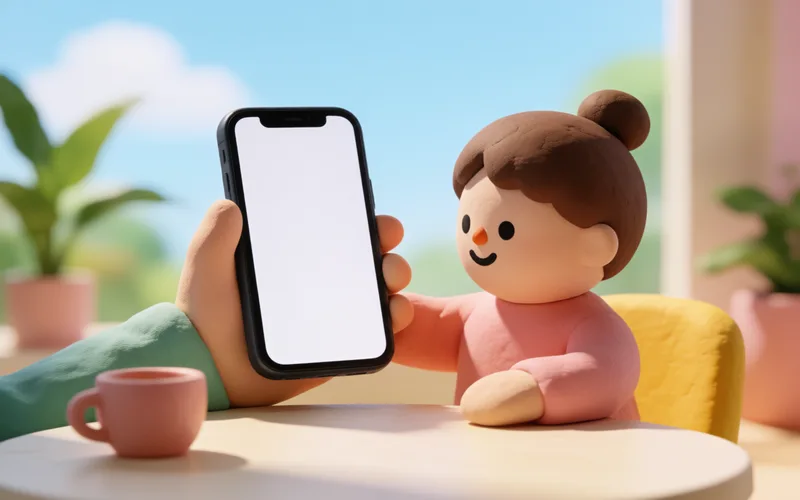
Hand over your Android phone briefly with a guest profile, so others don’t see your apps and chats.
- Time
- ⏱ 3 min
- Difficulty
- ◆ medium
How to do it
- Open Settings > System > Multiple users. The path can differ by device.
- Add a guest.
- Switch back to your main user via the profile icon in the quick settings.
Variations
- Calls are blocked for guests by default; you can allow them via the gear icon next to “Guest”.
Sources
This is where we found the tip. The badge above shows how well it is backed up.
- netzwelt.de (opens in a new tab)
Ihr möchtet euer Android 14-Smartphone vorübergehend einer anderen Person überlassen? Dann könnt ihr den Gastmodus nutzen.