TechTried-and-true tip
Android one-hand mode with a swipe at the bottom edge
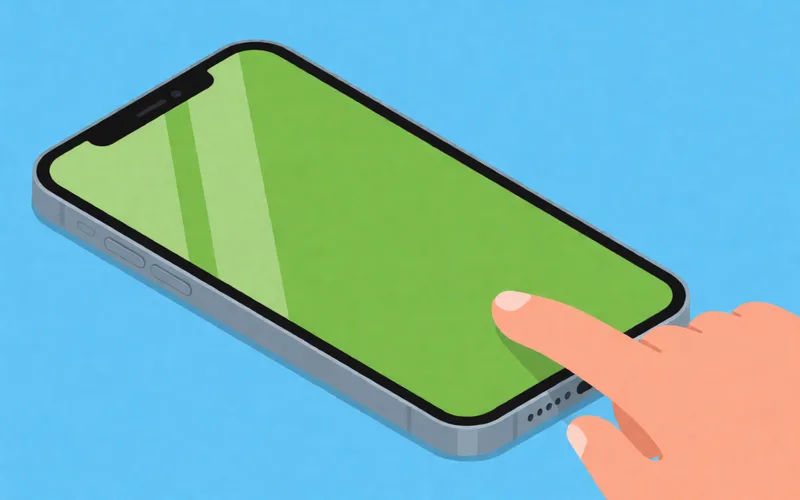
Switch Android one-handed mode on and off with a swipe at the bottom edge, which makes big phones easier to use with one hand.
- Time
- ⏱ 2 min
- Difficulty
- ◆ easy
How to do it
- Turn on one-handed mode in Settings. On Samsung it is under “Advanced features”; on a Pixel with Android 12 look for “Use one-handed mode”.
- Turn on gesture navigation.
- Swipe down from the bottom edge of the screen to switch the mode on and off.
Variations
- On Samsung phones without gestures: double-tap the Home button, if that is set up under the button navigation options.
Sources
This is where we found the tip. The badge above shows how well it is backed up.
- netzwelt.de (opens in a new tab)
Nutzt ihr Gesten, könnt ihr durch nach unten Wischen am unteren Bildschirmrand den Einhandmodus ein- und ausschalten.