TechWidely recommended
Set the volume keys as the camera shutter
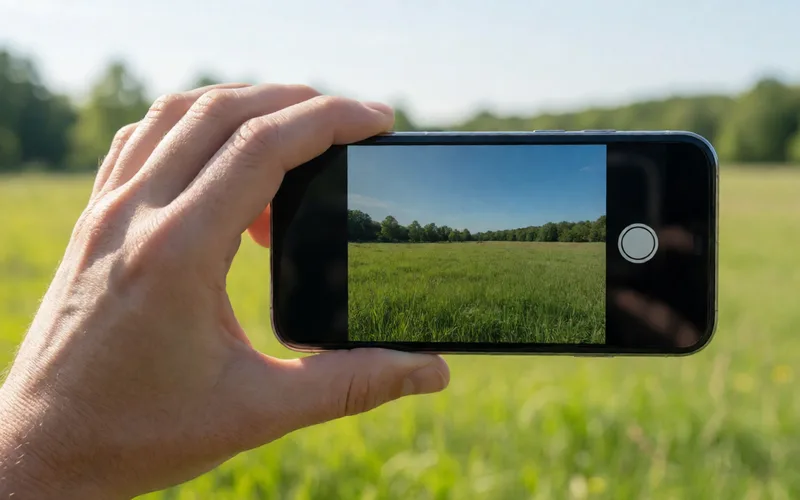
Use the volume keys as a camera shutter button so photos blur less than when you tap the screen.
- Time
- ⏱ 2 min
- Difficulty
- ◆ easy
How to do it
- Open the camera app, then its menu and settings.
- Choose the option for what the volume keys do, or the key shortcuts.
- Set the action to “Take picture”. The menu name differs by manufacturer.
Variations
- If your phone has no such option, you can add it with the app “Quick Click”.
Sources
This is where we found the tip. The badge above shows how well it is backed up.
- techbone.de (opens in a new tab)
Die Lautstärketasten lassen sich als physischer Kamera-Auslöser nutzen, standardmäßig regeln sie aber Zoom oder Lautstärke.
- pcwelt.de (opens in a new tab)
Sie können beide Vorgänge jedoch auch auf die Lautstärketasten legen