TechBacked by experts
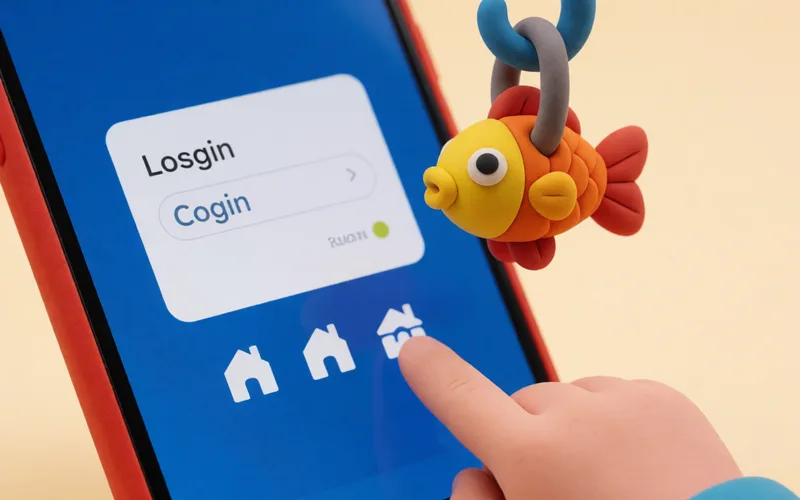
Be suspicious when a link asks you to log in again
Be wary when a link on social media asks you to enter your login details again.
- Time
- ⏱ 1 min
- Difficulty
- ◆ easy
How to do it
- Don't open the link.
- Open the service by typing the address yourself or using its app.
- Check there whether there is a message for you.
Variations
- If you already opened an attachment or link, update your antivirus program and scan your computer.
Sources
This is where we found the tip. The badge above shows how well it is backed up.
- verbraucherzentrale-niedersachsen.de (opens in a new tab)
Werden Sie misstrauisch, wenn Sie auf Social-Media-Plattformen auf einen Link klicken und erneut ihre Log-in-Daten eingeben müssen.