TechTried-and-true tip
Start iPhone commands with a double or triple tap on the back
Trigger iPhone actions with a double or triple tap on the back of the phone – here is how to set it up in a couple of minutes.
- Time
- ⏱ 2 min
- Difficulty
- ◆ easy
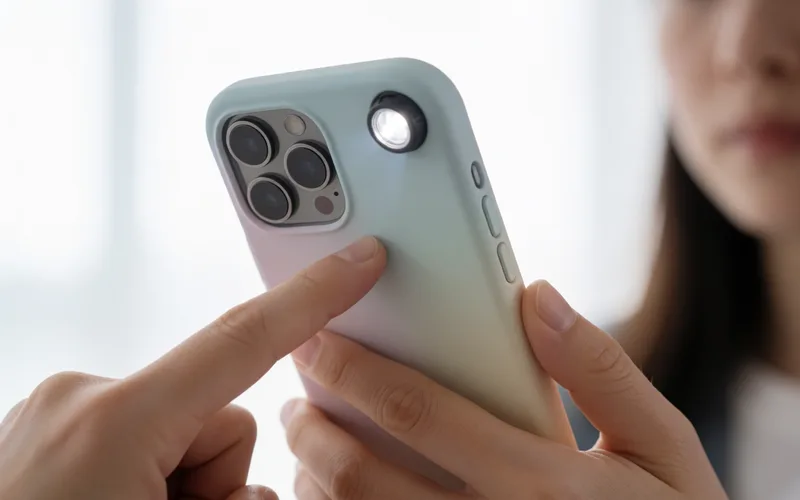
How to do it
- Open Settings and choose “Accessibility”.
- Scroll to the bottom and open “Back Tap”.
- Pick an action for the double tap and one for the triple tap, such as a shortcut or an app.
Sources
This is where we found the tip. The badge above shows how well it is backed up.
- nextpit.de (opens in a new tab)
Mit dem Feature „Auf Rückseite tippen“ könnt Ihr durch doppeltes oder dreifaches Tippen auf die Rückseite Befehle oder Apps starten.