TechTried-and-true tip
Lock an iPhone to a single app (Guided Access)
Lock your iPhone to one app with Guided Access so kids or guests can’t accidentally switch to something else.
- Time
- ⏱ 3 min
- Difficulty
- ◆ medium

How to do it
- Open Settings > Accessibility > Guided Access and turn it on. Set the passcode beforehand.
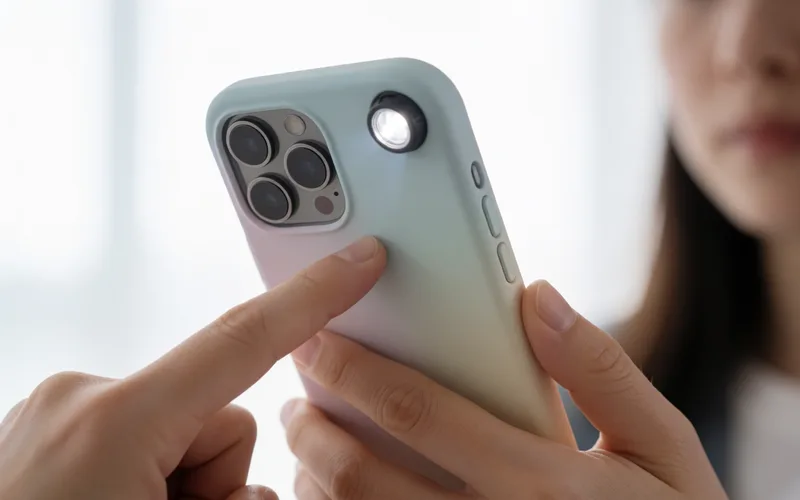
- Open the app you want and press the side button three times to start the mode.
- To end it, press the side button three times and enter your code.
Variations
- Time limits can be set as well.
Sources
This is where we found the tip. The badge above shows how well it is backed up.
- techbone.de (opens in a new tab)
Der Geführte Zugriff ist eine Sperrfunktion für einzelne Apps.