 EverydayTried-and-true tip
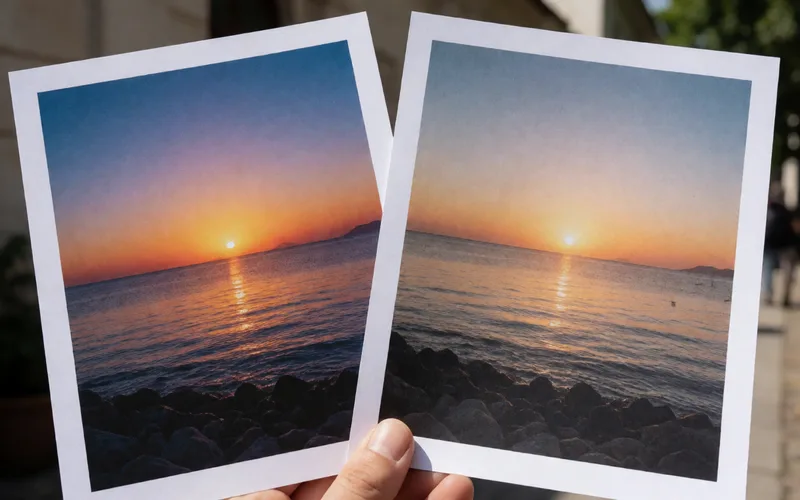
Keep the normal photo alongside the HDR version
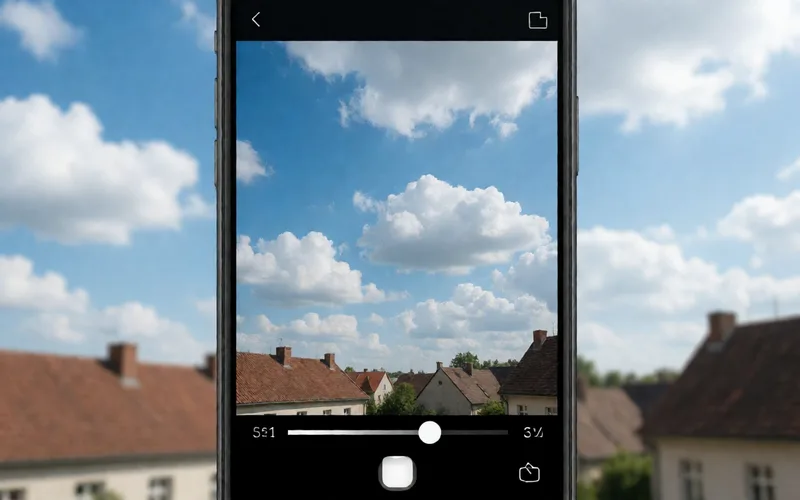
Save the normal photo alongside the HDR version so you keep the unprocessed original.
- Time
- ⏱ 2 min
- Difficulty
- ◆ easy
How to do it
- In the photo settings, turn on the option to keep the normal photo. Its name and location may differ depending on your iOS version.
- Take the HDR shot.
- Both versions are saved.
Sources
This is where we found the tip. The badge above shows how well it is backed up.
- computerworld.com (opens in a new tab)
You may want to keep the original pictures along with the HDR image the software creates.