 EverydayTried-and-true tip
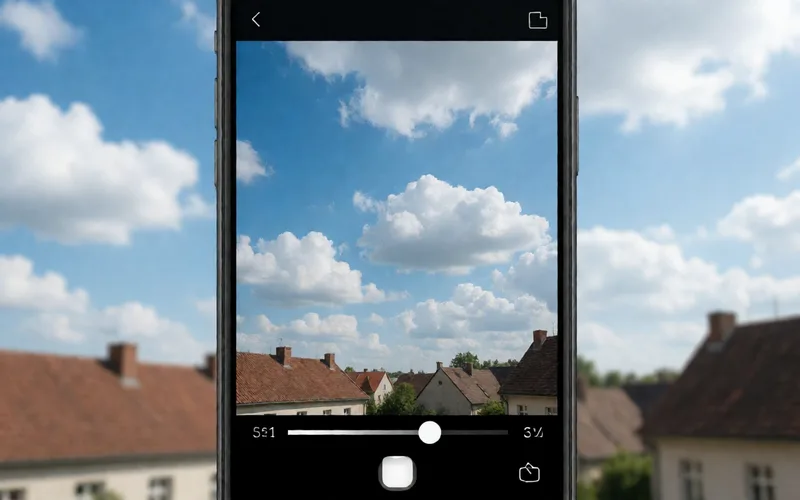
Bright sky: pull the exposure slider down
Bring back detail in a bright sky by pulling the exposure slider down on an Android camera.
- Time
- ⏱ 1 min
- Difficulty
- ◆ easy
How to do it
- Turn on the quick-access slider in the camera settings.
- Tap the brightest area in the viewfinder, for example the sky.
- Drag the sun slider down slightly until details in the bright area are visible.
- Take the shot.
Sources
This is where we found the tip. The badge above shows how well it is backed up.
- techadvisor.com (opens in a new tab)
Tap the brightest area (such as the sky) in the viewfinder“ ; „Drag the slider down slightly until the details in the bright area are visible