 EverydayTried-and-true tip
Merge duplicate photos in the Duplicates album
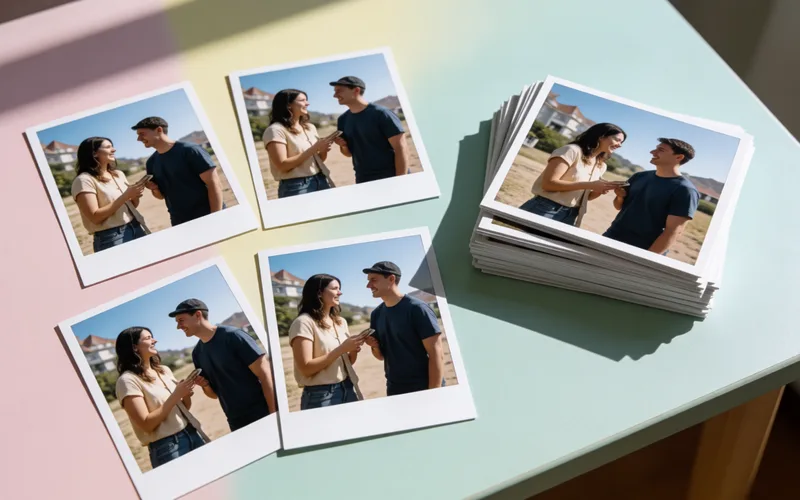
Clean up duplicate photos on your iPhone by merging them in the Duplicates album.
- Time
- ⏱ 5 min
- Difficulty
- ◆ easy
How to do it
- Open the Photos app and scroll to the bottom of the Albums view to “Duplicates”.
- Select one or more duplicates and tap “Merge”.
- Read the prompt and tap “Merge” again to delete the duplicates.
Sources
This is where we found the tip. The badge above shows how well it is backed up.
- heise.de (opens in a new tab)
in dem alle doppelten Aufnahmen erfasst werden“ ; „Wählen Sie eines oder mehrere Duplikate aus und tippen Sie anschließend auf den Button