 EverydayTried-and-true tip
Keep the date and GPS data when copying photos
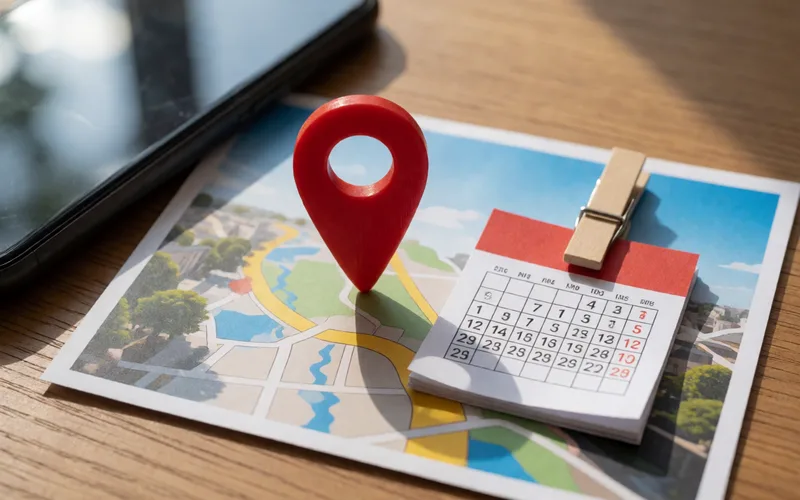
Keep the date and GPS data of your photos when copying, so sorting and searching still work later.
- Time
- ⏱ 5 min
- Difficulty
- ◆ medium
How to do it
- When copying or exporting, choose the option to keep metadata. The name varies by program.
- After copying, check the date and location on a sample photo.
Sources
This is where we found the tip. The badge above shows how well it is backed up.
- viallo.app (opens in a new tab)
keep the date and GPS data the camera wrote