TechTried-and-true tip
Lock exposure and focus on the iPhone
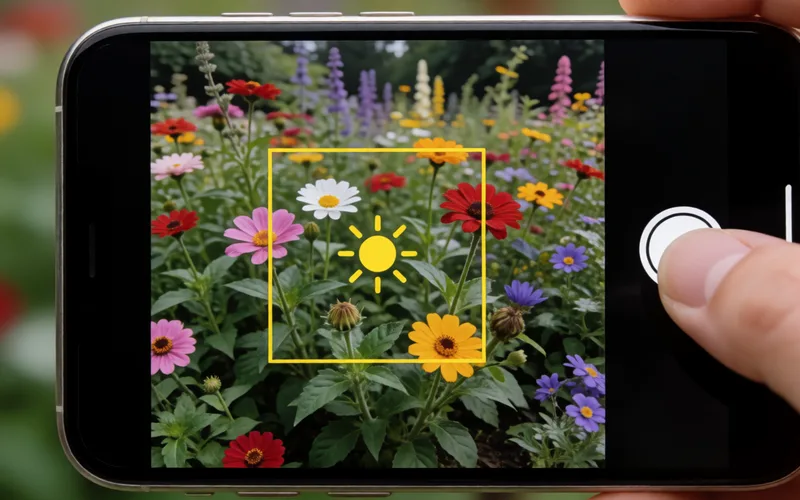
Lock exposure and focus on the iPhone with a long press, so brightness and sharpness stay the same while you pan.
- Time
- ⏱ 1 min
- Difficulty
- ◆ easy
How to do it
- In the Camera app, tap a spot on the preview and hold your finger there for a few seconds until the lock is active.
- Focus and exposure are now locked; the iPhone no longer readjusts.
Sources
This is where we found the tip. The badge above shows how well it is backed up.
- macwelt.de (opens in a new tab)
Dazu tippt man auf eine Stelle des Vorschaubildes der Fotoapp und hält den Finger dort für wenige Sekunden.