 EverydayTried-and-true tip
Level the horizon with the on-screen horizon guide
Keep the horizon straight in phone photos with an on-screen level guide.
- Time
- ⏱ 2 min
- Difficulty
- ◆ easy
How to do it
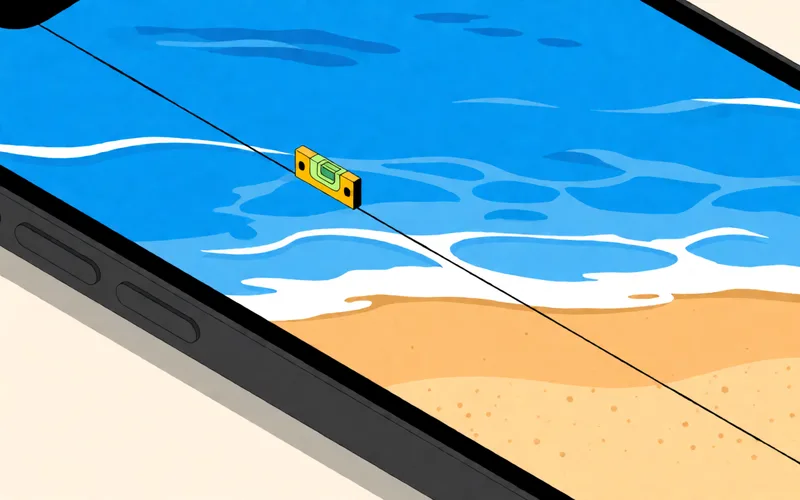
- Check whether your camera app offers a digital horizon and switch it on.
- Position the phone so the line is level.
- If the picture is still crooked, straighten it afterwards in an editing app.
Sources
This is where we found the tip. The badge above shows how well it is backed up.
- nextpit.de (opens in a new tab)
Zusätzlich blenden manche Kamera-Apps automatisch oder auf Wunsch einen digitalen Horizont ein“ ; „Schließlich könnt Ihr das Bild anschließend noch gerade rücken