 EverydayTried-and-true tip
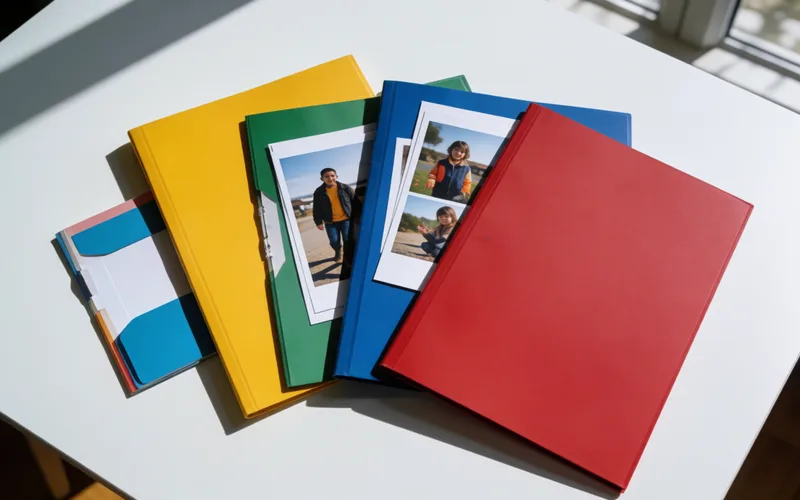
Sort Google Photos albums alphabetically with a date workaround
Google Photos has no alphabetical album sorting, but an unofficial date trick moves albums to the top.
- Time
- ⏱ 15 min
- Difficulty
- ◆ medium

How to do it
- Change the date of an item in the album to the date you want. It is a bit fiddly.
- The album then jumps to the top.
- For an alphabetical order, work through the albums in reverse order in the same way.
Sources
This is where we found the tip. The badge above shows how well it is backed up.
- pctipp.ch (opens in a new tab)
Wenn das Datum eines im Album befindlichen Ordners aktualisiert wird, rutscht das ganze Album ganz nach oben.