 EverydayBacked by experts
Photos moved to an external drive are not yet a backup
Moving photos to an external drive frees up space but is not a backup. Here is how to stay safe.
- Time
- ⏱ 10 min
- Difficulty
- ◆ medium
How to do it
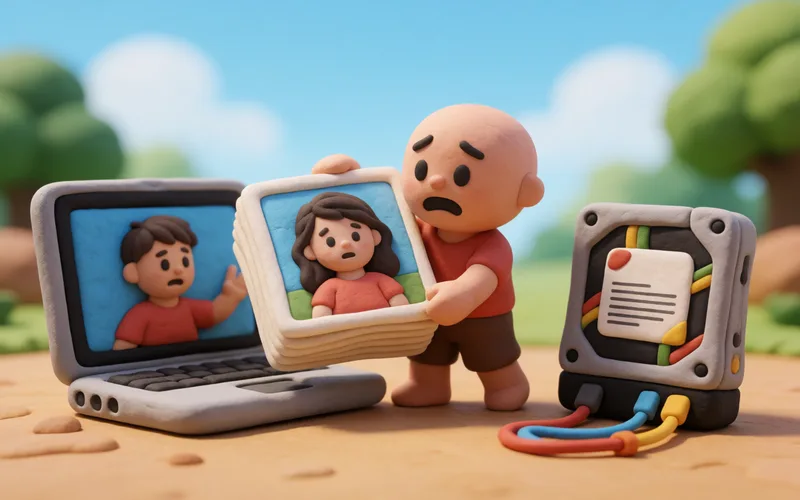
- Make a copy before moving the photos.
- Back up the moved photos on another medium as well, so that both the laptop and the connected drive are covered.
- Only then delete the originals from the device.
Sources
This is where we found the tip. The badge above shows how well it is backed up.
- fotowissen.eu (opens in a new tab)
noch lange keine Sicherung“ ; „Würde also die angeschlossene, externe Festplatte ausfallen, so wären alle ihre Bilder weg.