 EverydayTried-and-true tip
Fine-tune brightness with a swipe after locking
Fine-tune brightness on an iPhone with a swipe after locking focus and exposure.
- Time
- ⏱ 1 min
- Difficulty
- ◆ medium
How to do it
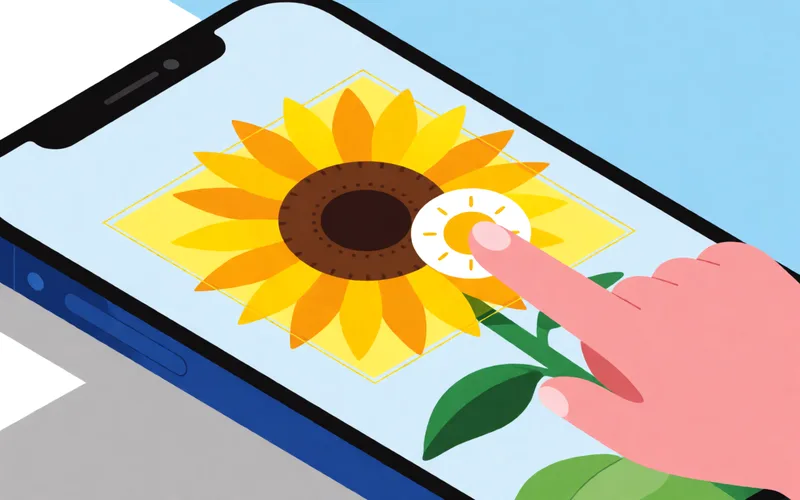
- Tap and hold on the subject until “AE/AF LOCK” appears.
- Slide your finger up or down on the screen.
- Take the shot.
Sources
This is where we found the tip. The badge above shows how well it is backed up.
- rigorousthemes.com (opens in a new tab)
After locking focus, slide your finger up or down on the screen to fine-tune the exposure.“ ; „without changing your composition or focus point