 EverydayTried-and-true tip
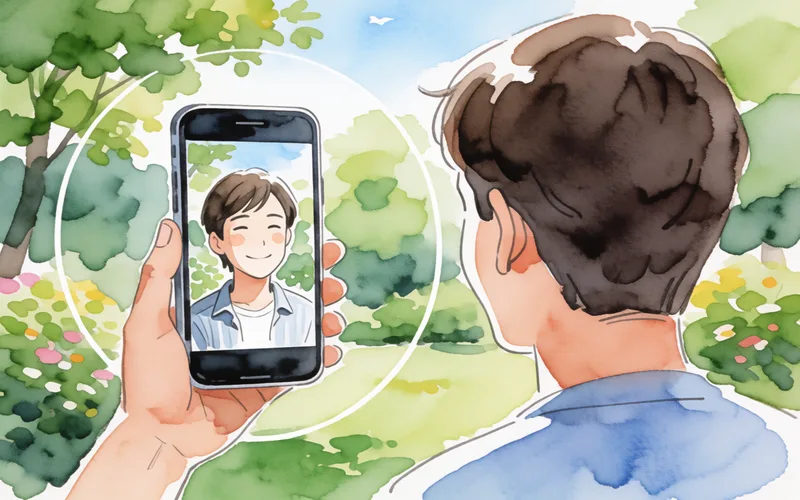
Limit digital zoom to about 1.5x
Use digital zoom on your phone sparingly so image quality doesn’t suffer.
- Time
- ⏱ 1 min
- Difficulty
- ◆ easy
How to do it
- Set the zoom to about 1.2x to 1.5x.
- Avoid zooming beyond about 2x.
- Move closer to the subject instead.
Variations
- In poor light, digital zoom also increases image noise.
Sources
This is where we found the tip. The badge above shows how well it is backed up.
- techadvisor.com (opens in a new tab)
A moderate digital zoom can even improve images by reducing extreme wide-angle distortion.“ ; „At around 2× and above, the image quality typically suffers noticeably